How to install Python on your computer, whether it is a Windows, Mac, or Ubuntu system? How to install Python packages?
Content
Install Python on Your Computer
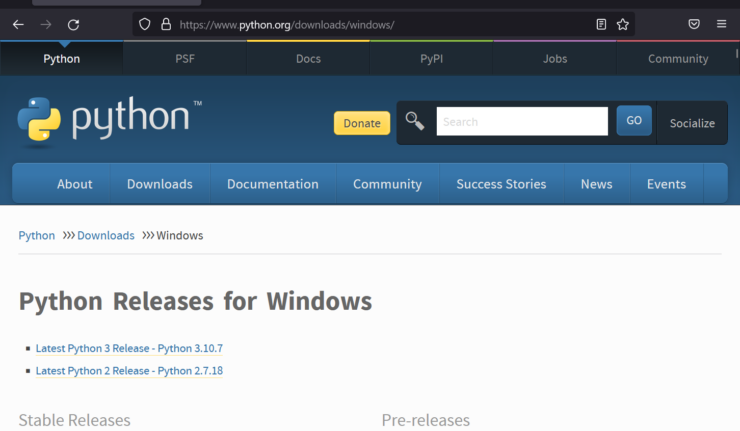
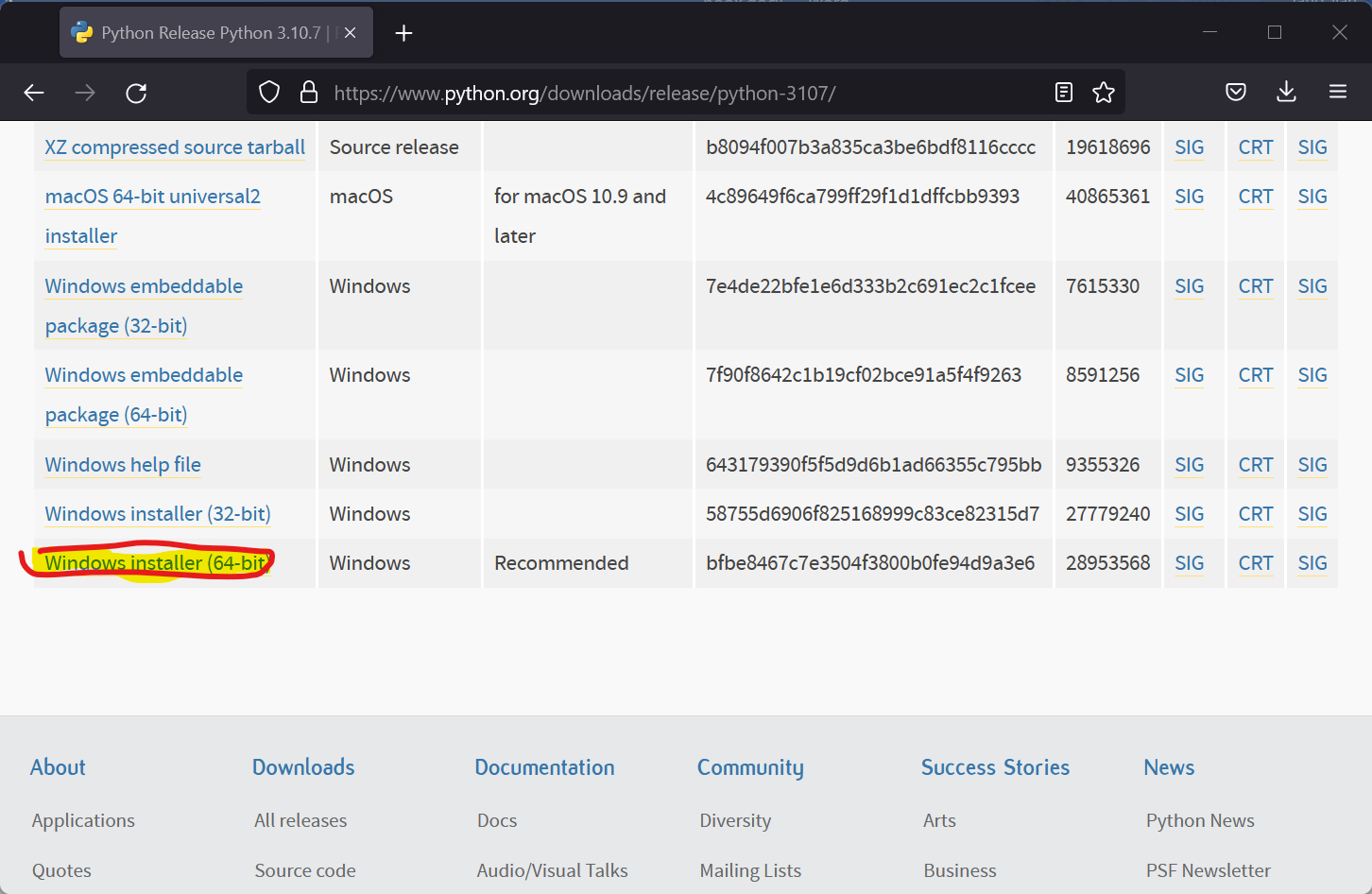
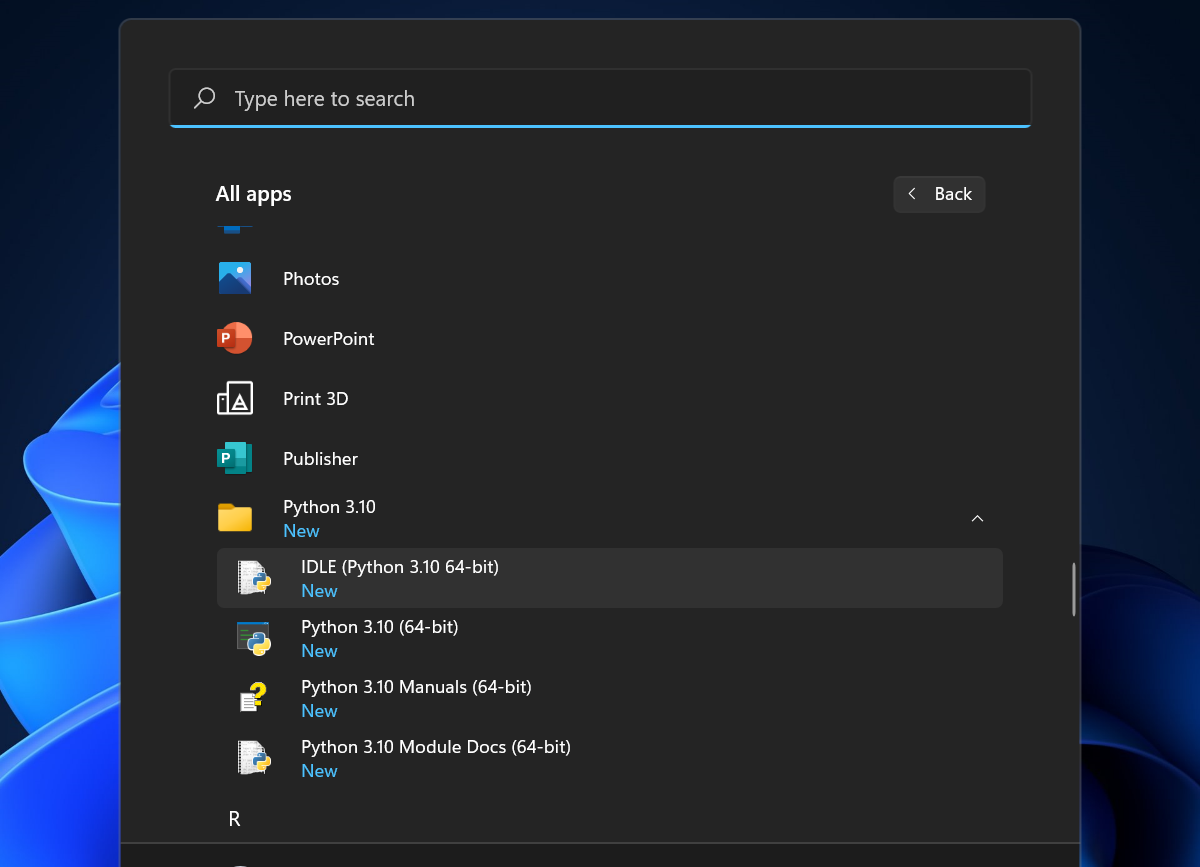
Install on Windows

Install Python on Ubuntu
Press Ctrl + Alt + T to open a Terminal
$ sudo apt update
$ sudo apt-get install python3
Install Python Packages
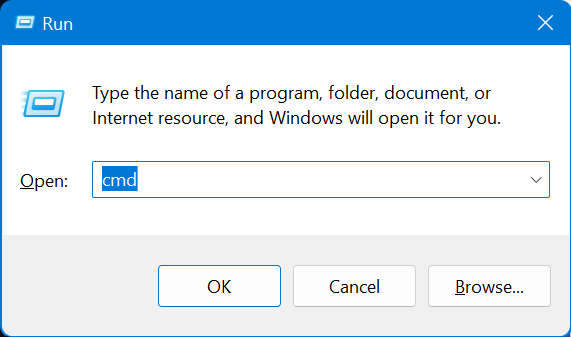
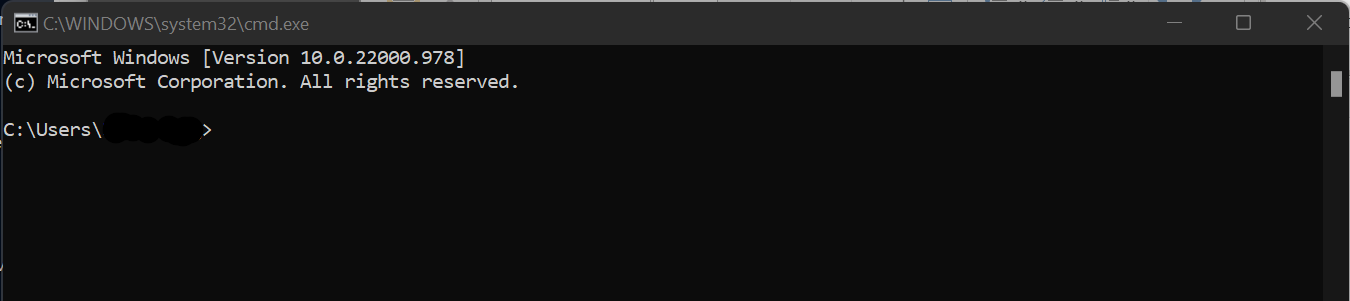
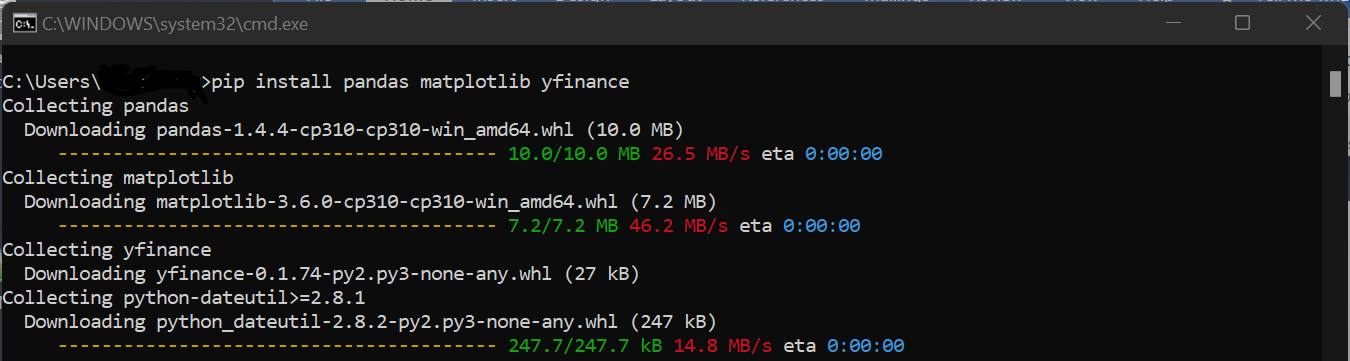
Install Python Packages on Windows

Install on Ubuntu
Ctrl + Alt + T to open a Terminal
$ pip3 install pandas matplotlib yfinanceQuizzes and Answers
Quiz 1: Download the price data of Bitcoin (in US Dollars) between January 1st, 2015 and Jun 30th, 2022, and then put it on a graph.
import yfinance
import matplotlib.pyplot as plt
BTC = yfinance.download(["BTC-USD"], start="2015-01-01", end="2022-06-30")
BTC["Adj Close"].plot()
plt.show()